Sales tax compliance software isn’t optional. Here’s why.

Written by

VP of GTM, TaxCloud

Manager of Customer Support, TaxCloud

Updated
Last year, U.S. businesses paid billions in penalties for sales tax mistakes. With states coordinating enforcement and audits increasing nationwide [1], selling without sales tax compliance software puts you on a collision course with costly penalties and lost time.
The right software keeps you audit-proof, automates filings, and buys you back hours each month. The wrong choice drains your budget and leaves you exposed.
Compare the best sales tax software at a glance
If you’re short on time, start with the comparison table below. It summarizes the key differences between the leading sales tax software providers, including their best-fit customer, starting price, and standout feature.
Use it to quickly narrow down the solutions that best match your business before diving into the detailed reviews further down the page.
| Tool | Best For | Starting Pricing | Standout Feature | Rating* |
|---|---|---|---|---|
| TaxCloud | Mid-market U.S. ecommerce | $19/month | SST CSP — free filing in 24 states |
4.5/5 (4.9/5 Shopify App Store) |
| Avalara | Global enterprises | Custom pricing (expensive) | 700+ integrations, global VAT/GST | 4.1/5 |
| TaxJar | Small marketplace sellers | $39/month | AutoFile automation | 4.7/5 |
| Anrok | Well-funded SaaS companies | $399/month | SaaS-specific billing integrations | 4.5/5 |
| DAVO (Avalara) | Businesses using POS | $57.99/month per location | Guaranteed on-time filing | 4.9/5 |
| Kintsugi | Early-stage startups | $75 per filing, $75 reg. | AI-driven tax automation | 4.7/5 |
| Lovat | International sellers | €27/month | VAT/GST coverage in 111+ countries | 4.9/5 |
| Numeral | Small sellers in a few states | $75 per filing, $150 reg. | Pay-per-state model | 4.8/5 |
| Quaderno | SMB ecommerce | $49/month | Real-time VAT + GST support | 4.7/5 |
| SAP Tax Compliance | Global enterprises using SAP | Custom pricing, enterprise contracts | Centralized compliance + risk screening | 4.8/5 |
| Sovos Taxify | SMBs | Custom pricing | Managed services team | 4.1/5 |
| Stripe Tax | Businesses using Stripe for payments | 0.5%/txn (no-code) or $0.50/txn (API) | Tax calculation at checkout | 4.3/5 |
| TaxValet | Fully outsource sales tax compliance | $3,500 for initial setup | Managed services | 4.8/5 |
| Vertex | Large enterprises | Custom pricing | Enterprise-scale ERP integrations | 4.3/5 |
| Vertex O Series | Enterprises | Custom | Tax engine with 19,000+ jurisdictions | n/a |
Note: Ratings are based on aggregated G2 reviews (September 2025). Rounded to the nearest tenth for clarity.
How we evaluated these tools
We evaluated every platform on this list by reviewing publicly available information, including product documentation, pricing pages, feature documentation, customer reviews, and other publicly accessible resources. We also incorporated insights from conversations with businesses that migrated from these platforms to TaxCloud, where relevant.
Each solution was assessed across 6 criteria: pricing transparency, integrations, filing automation, audit support, SST program access, and quality of customer support. Pricing was verified against publicly available sources as of June 2026. Where pricing is not publicly available, we note that and share what is publicly known.
1. TaxCloud
Best for
Growing mid-size brands in the U.S. that combines powerful automation with real human support.
Why choose it
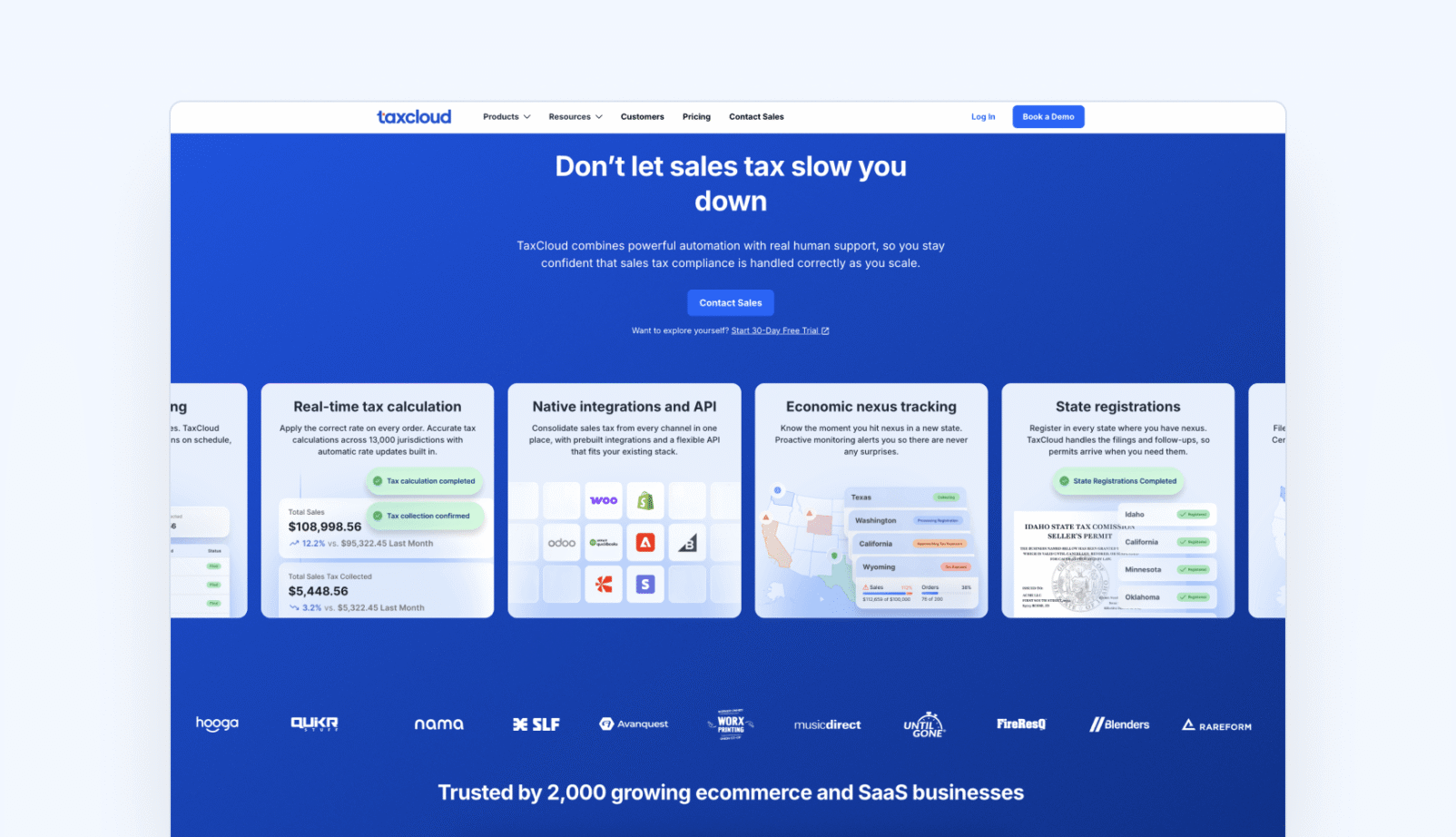
Most sales tax software is built for large enterprises and overloaded with features small sellers don’t need. TaxCloud takes the opposite approach: TaxCloud is the sales tax solution built for growing ecommerce and SaaS businesses looking for a simpler, more reliable way to handle sales tax compliance.
With clear pricing, easy integrations, responsive U.S.-based support, and stress-free onboarding, TaxCloud helps businesses navigate sales tax with greater clarity and fewer headaches.
TaxCloud is a Certified Service Provider for the Streamlined Sales Tax (SST) program, offering accurate, transparent, and affordable sales tax compliance.
Key features
- CSP for the SST program
- Real-time sales tax calculation across 13,000+ U.S. jurisdictions
- Multi-state filing and remittance
- Integrates with Shopify, WooCommerce, BigCommerce, Stripe, QuickBooks Online, Magento/Adobe Commerce, Stripe, Chargebee, and more.
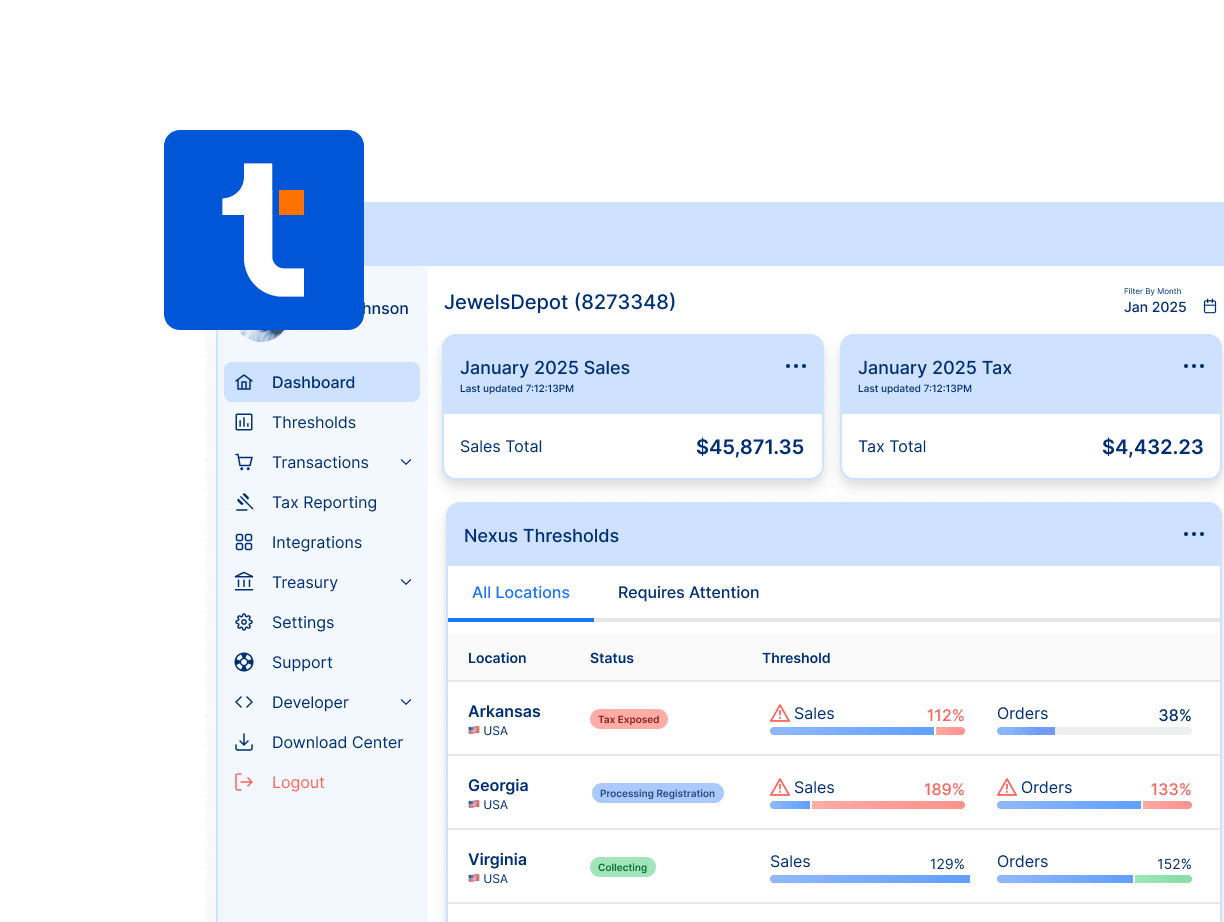
- Nexus tracking and economic nexus alerts.
- Transparent, tiered pricing with a 30-day free trial, including access to all paid features and integrations.
- Responsive U.S.-based customer support
Drawbacks
- No VAT support
- The reporting features are better suited to growing mid-market brands than large global enterprises
- Fewer native integrations than Avalara or Vertex, though many integration requirements can be solved using TaxCloud’s sales tax API
Pricing
- Starter: $19/month (100 orders included)
- Premium: $79/month (200 orders included)
- Free 30-day trial available
Audit support
TaxCloud offers hands-on sales tax audit support as an add-on ($99/month), even for new customers. Meaning: If your business is audited by a state, TaxCloud’s team will step in to resolve issues directly with the state, prepare documentation, handle up to 12 amended returns, and guide you through reconciliations — guaranteeing that filings made through the platform stand up under scrutiny. Few competitors provide this level of protection.
Onboarding support
Switching sales tax providers doesn’t have to be disruptive. TaxCloud’s onboarding team helps businesses migrate historical filing data, configure integrations, review nexus obligations, and set up registrations where needed. Every account is supported by real people who guide the transition, helping ensure filings continue without interruption and reducing the risk of missed deadlines or compliance gaps during the migration process.
2. Avalara

Best for
Enterprises and larger mid-market sellers with international reach that need comprehensive tax coverage and can stomach the cost and complexity. SMBs will find it bloated and overpriced for their needs.
Why choose it
Avalara is the legacy heavyweight in sales tax automation. Its AvaTax product and add-ons cover everything from rate calculations to registrations, licensing, exemption management, and even global VAT/GST. For large companies, that breadth is valuable. For smaller sellers, it often feels like overkill: pricing is opaque, setup is heavy, and the toolset is bloated with features most SMBs will never use.
Key features
- AvaTax cloud-based tax engine for U.S. and global compliance
- Real-time rate calculation across thousands of jurisdictions
- Integrates with 700+ ecommerce, ERP, and accounting platforms
- Add-ons for licenses, registrations, and exemption certificates
- Support for VAT and GST compliance across multiple regions
- Detailed audit trails for compliance checks
Drawbacks
- Opaque, volume-based pricing that skews expensive for SMBs
- Base plans don’t include all city and county filings
- Reporting lacks consolidation across jurisdictions
- Setup and maintenance are complex compared to SMB-focused tools
Pricing
Avalara does not publish transparent pricing. Instead, they sell services a la carte with custom, volume-based pricing. Customers typically pay for calculation, filing, exemption certificates, and registrations separately, plus activation fees and other add-ons. Publicly available information shows:
- Sales tax registration: $349 per location
- Business licenses: $99 per location
- Single state filing: $42–$54 per return (plus activation fee)
- Late payment fee: 1.5% per month
- Reactivation fee: 50% of activation fee or $250 minimum
They’ve also discontinued small-business programs like Avalara Returns for Small Business and API-only BigCommerce pricing, pushing customers toward bundled plans that can start around $5,000 annually. Reports indicate Avalara is often 30% more expensive than alternatives.
For a full breakdown, check out Avalara Pricing: What It Really Costs (TaxCloud Review).
Audit support
Avalara does not offer hands-on audit defense as part of its base product suite. However, it provides audit preparedness tools (reference: avalara.com/us/en/products/calculations.html) to help businesses organize documentation and reduce audit risk.
3. TaxJar

Best for
Small ecommerce selling on marketplaces like Amazon and eBay who value automated filings and marketplace integrations, but who don’t mind higher costs or leaner support.
Why choose it
TaxJar (owned by Stripe) is positioned for small ecommerce and marketplace sellers. Its AutoFile service is convenient, but pricing is opaque and scales steeply with order volume. Support is more limited than competitors, and there is no true audit defense.
TaxJar pricing changes in 2026
In March 2026, TaxJar rolled out its first price increase in over six years.
AutoFile fees increased 57%, from $35 per filing to $55.
For a business filing monthly in 20 states, that’s an extra $400 a month in filing costs alone. Month-to-month customers keep legacy pricing until October 1, 2026.
Annual subscribers will see the new rates at renewal.
Key features
- Automated filing with TaxJar AutoFile
- Real-time sales tax calculations
- Nexus tracking and alerts
- Integrations with Amazon, eBay, Shopify, WooCommerce, and more
- Native connection with Stripe products
Drawbacks
- 2026 pricing increase roughly doubled subscription costs on most plans; AutoFile fees up 57%
- Support quality declined post-Stripe acquisition — reduced team, offshored support, limited platform development
- No audit support
Pricing
- Basic: $39/month
- Professional: $99/month
- Note: TaxJar implemented its first price increase in six years in March 2026. AutoFile fees rose from $35 to $55 per filing. Legacy pricing for month-to-month customers expires October 1, 2026.
Audit support
TaxJar does not provide dedicated audit support or an accuracy guarantee. While higher-tier plans include notice management and overdue/amended return handling, this is not the same as audit defense or representation.
For a head-to-head breakdown, see Avalara vs TaxJar.
4. Anrok

Best for
Funded SaaS businesses with recurring revenue models that need seamless compliance across U.S. and international markets.
Why choose It
Anrok is purpose-built for SaaS businesses. It integrates with billing systems like Stripe, NetSuite, QuickBooks, and Chargebee, and automates the entire lifecycle — exposure monitoring, registration, calculation, filing, and remittance. Its strength is handling SaaS subscription invoicing and global VAT/GST obligations. The drawback is scope: it’s priced for funded startups and mid-market SaaS companies, not small ecommerce sellers.
Key features
- Tailored for SaaS billing and subscription management
- Integrates with Stripe, NetSuite, QuickBooks, Workday, Chargebee, Xero, and more
- Real-time U.S. sales tax and global VAT/GST calculation
- Filing, registration, and remittance included
- Nexus and threshold monitoring for SaaS and distributed teams (via Rippling, Gusto, BambooHR, etc.)
- Advanced features at higher tiers: reconciliation, exemption certificates, SSO, dedicated onboarding
Drawbacks
- Only relevant for SaaS and subscription-based businesses
- Pricing not public for most tiers (generally higher than SMB-focused tools)
- Limited ecommerce marketplace integrations
Pricing
- Anrok for Startups: $399/month. The $399 plan is the platform fee only — filing and registration costs sit on top, so actual compliance spend is higher than the sticker price.
- Starter / Core / Growth tiers: Custom pricing; plans can add modeling, reconciliation, advanced exemption management, and enterprise features
- Anrok is not a Certified Service Provider (CSP) for the SST program — no free filing in 24 SST states. Every state is filed directly at additional cost.
Audit support
Anrok does not advertise hands-on audit defense. Its focus is proactive compliance: monitoring exposure, keeping exemption certificates in order, and automating filings to reduce audit risk.
5. DAVO
Best for
Small retail shops, restaurants, and service businesses that want sales tax withheld and remitted automatically through their POS.
Why choose it
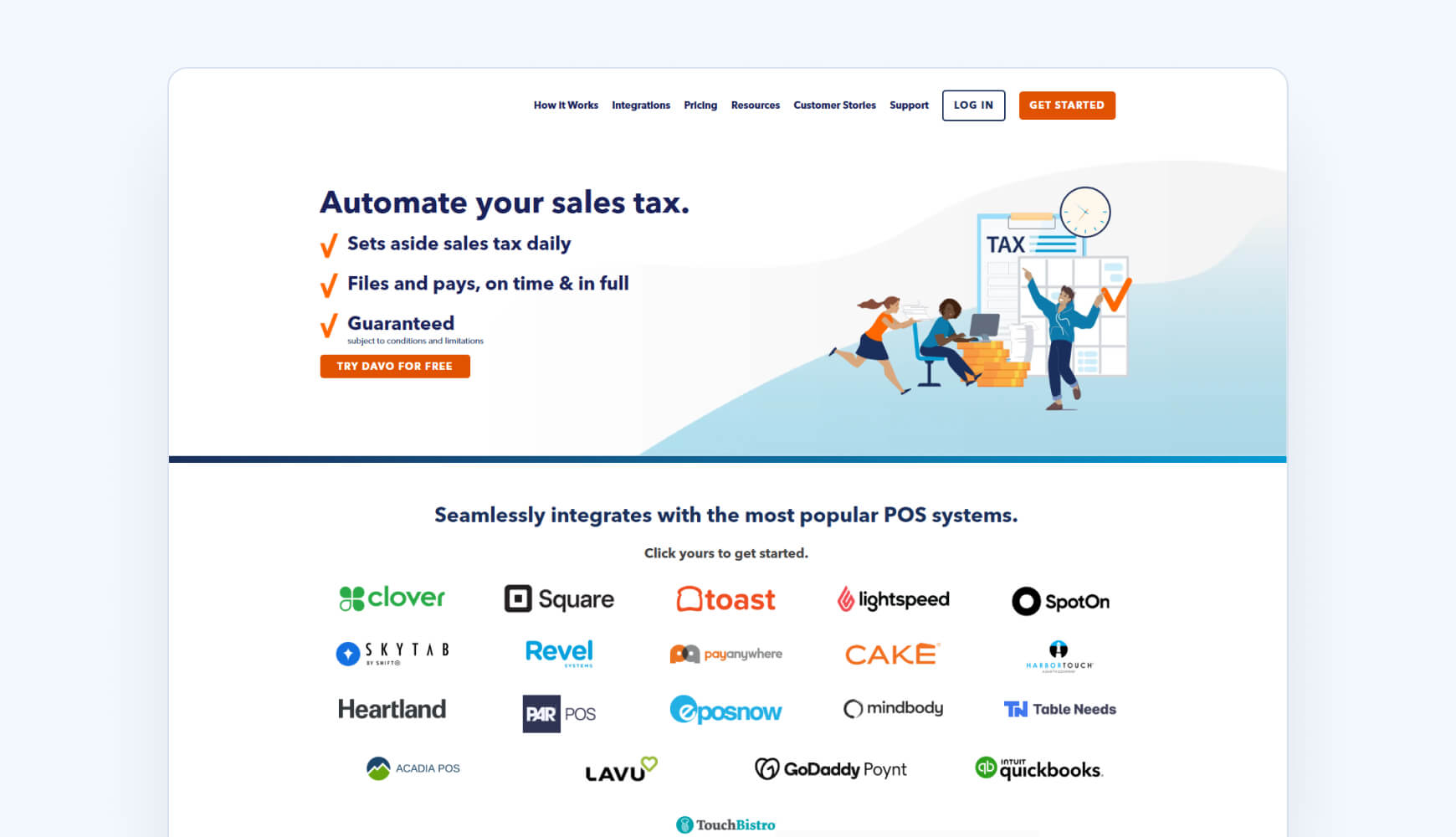
DAVO Sales Tax (by Avalara) is purpose-built for retail, restaurant, and service businesses using POS systems. It withholds sales tax daily, then files and remits automatically, guaranteeing on-time payments (subject to conditions). Setup is fast, and the “set it and forget it” model saves owners time. The tradeoff: it’s expensive per location, limited to POS-driven environments, and now functions as an Avalara add-on rather than a standalone platform.
Key Features
- Automatic calculation, withholding, filing, and remittance
- Guaranteed on-time filing (conditions apply)
- Works directly with POS systems (Clover, Square, Toast, Lightspeed, and more)
- Daily sales tax emails, confirmations, and online portal access
- Unlimited storage of tax reports and returns
Drawbacks
- $57.99/month per location, high for multi-location chains
- Limited to POS use cases, not suited for ecommerce or SaaS
- Some reported issues with permissions and support
- Owned by Avalara, reducing independence
Pricing
- $57.99/month per location
- First monthly filing is free
Audit Support
DAVO does not provide hands-on audit support. The guarantee only covers on-time filing and payment. They offer reporting, document storage, and confirmation records that can aid in audits, but no defense or representation.
6. Kintsugi

Best for
Startups, small ecommerce sellers, and SaaS businesses that want a quick, affordable way to automate U.S. sales tax compliance without long contracts.
Why choose it
Kintsugi is a newer platform aimed at ecommerce and SaaS companies that want AI-powered automation. Its pitch is speed — setup takes minutes — and affordability, with a free starter plan and flat per-filing pricing. The tradeoff: The flat-rate model and AI-first support work for early-stage businesses, but do not match what a growing brand needs when compliance gets complicated.
Key features
- AI-driven sales tax automation with real-time calculation and nexus tracking
- U.S. state filings, registrations, deregistrations, and amendments
- No-code integrations with QuickBooks, Stripe, Chargebee, Shopify, Amazon, and more
- Exemption certificate management
- Premium tier adds VDAs, error insurance, and multi-country support
- Free plan for nexus monitoring and exposure analysis
Drawbacks
- Because Kintsugi positions itself as an AI company, support leans heavily on bots rather than human experts — a concern when compliance questions require real tax knowledge.
- At $75 per filing, costs can add up quickly as businesses expand into more states. The flat-rate pricing model is very expensive for growing businesses.
- Feature set still developing; newer platform in market
Pricing
- Free plan: monitoring and exposure tracking
- Starter: $75 per filing or registration
- Premium: custom pricing with volume discounts and advanced features
Audit support
Kintsugi does not provide hands-on audit defense. Premium plans include “error insurance” (covering certain filing mistakes), but audit representation is not part of the service.
7. LOVAT

Best for
Companies doing business in the EU or UK, or international sellers who need VAT/GST support across multiple countries but don’t require full filing services.
Why choose it
Lovat is built for cross-border sellers needing VAT/GST coverage in 100+ countries. It’s a fit for EU/UK compliance and global marketplaces, but limited for U.S.-only sellers. Returns are pre-filled and can be auto-submitted, but you remain responsible for filings and audits.
Key features
- Supports VAT, GST, and sales tax compliance in 111+ countries
- Transparent, tiered pricing based on transaction volume
- Online dashboards for sales tax registration and return prep
- GDPR-compliant data storage
- Hands-on, responsive support
Drawbacks
- No direct filing service — users must submit returns themselves
- Pricing climbs quickly at higher transaction tiers
- Limited U.S.-specific functionality compared to tools like TaxCloud or Avalara
Pricing (annual billing, as of September 2025):
- Free: Nexus monitoring only.
- Start-up: €27/month (100 transactions, €1,000 value, 1 integration, 4 auto-submits/year).
- Standard: €50/month (1,000 transactions, €100,000 value, 1 integration, 4 auto-submits/year).
- Premium: €344/month (20,000 transactions, €1.2M value, 5 integrations, 16 auto-submits/year).
- Add-ons: €23 per extra filing, €18 per 5,000 additional transactions, €28 per €100k extra transaction value, €150/hour for consultation.
Audit support
Lovat does not provide hands-on audit support. Returns are auto-prepared and can be auto-submitted, but responsibility for submission and audit defense stays with the user. They offer exemption certificate generation, transaction insights, and filing history to support audit readiness, but no guarantee or representation in an audit.
8. Numeral
Best for
Small ecommerce sellers who file in a small number of states and want a lightweight, low-time-investment solution — though reported reliability issues may make it a risk for businesses with more significant compliance obligations.
Why choose it
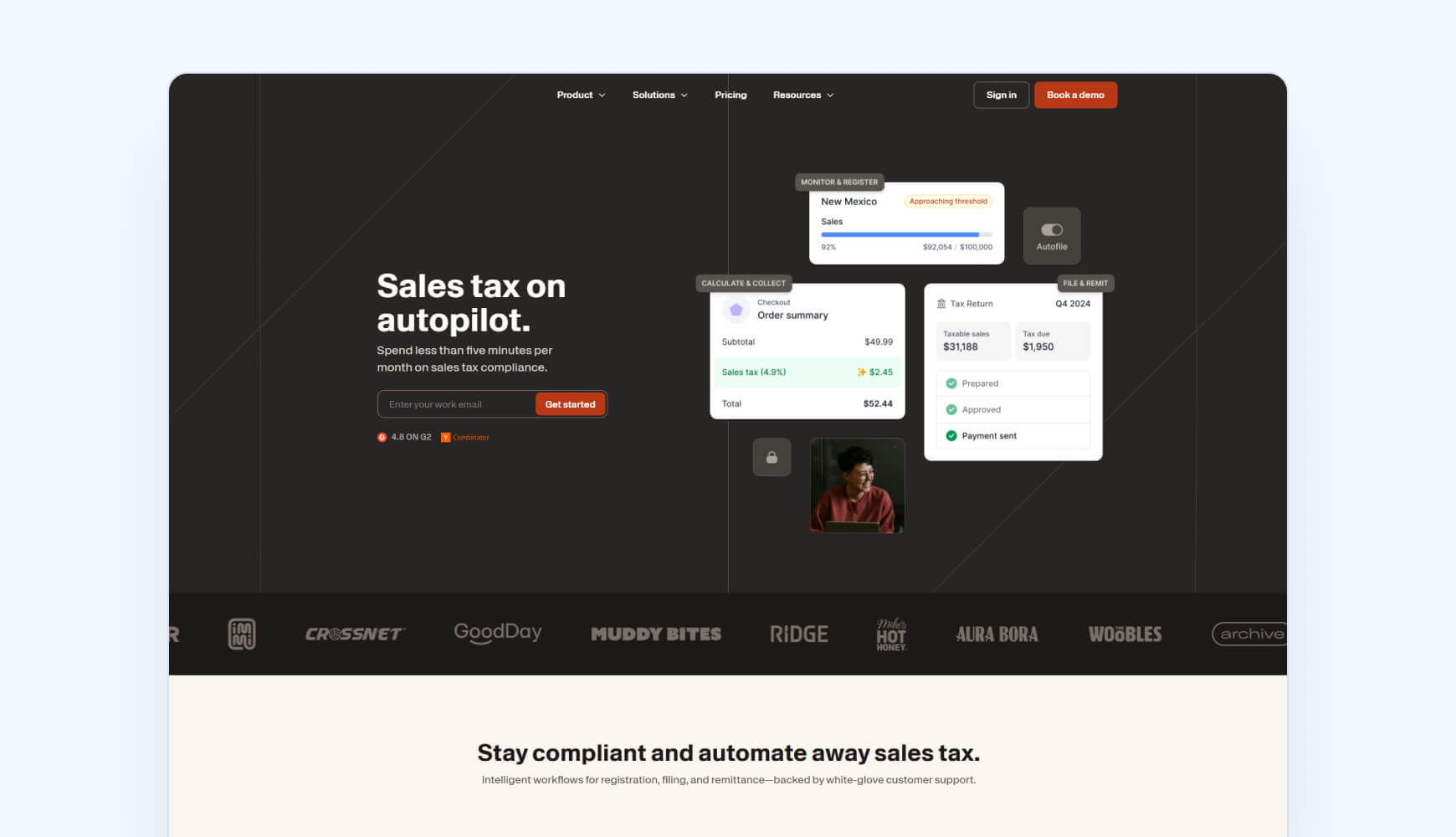
Numeral targets small ecommerce businesses with a pricing model that looks different from most competitors: instead of monthly tiers, you pay per state. That makes it cost-effective if you only file in a few states, but costs can balloon quickly as your footprint grows. The pitch is simplicity. Numeral claims most customers spend just five minutes a month on compliance. But it comes without extras like audit support.
Key features
- Per-state pricing model: $75 per filing, $150 per registration
- Automates sales tax collection, registration, monitoring, and remittance
- Real-time nexus tracking and alerts
- Onboarding and customer support tailored for SMBs
- Lightweight setup and low time investment (≈ five minutes/month)
Drawbacks
- Costs rise steeply with multi-state filing (e.g., ~$2,250/month for filing 30 states at $5M in transactions)
- Leans heavily into agentic AI workflows to automate filings. Customers have reported persistent filing issues, missed deadlines, and poor communication.
- Fewer advanced features compared to enterprise-grade tools
Pricing
- Monitoring plan (Free): nexus tracking, exposure alerts, basic integrations.
- Standard plan: $75 per filing, $150 per registration. Includes AutoFile, Autoregister, remittance, virtual mailbox, tax code classification, live chat support.
- Pro (Custom): advanced features (exemption certificate management, API access, VDAs, expert support).
Audit Support
Numeral does not advertise hands-on audit defense. Instead, they guarantee filings will be on time — if not, they pay penalties and interest. Pro plans include exemption certificate management (helpful for audit readiness) and support for VDAs/backfiling, but that’s not the same as defending a client in an audit.
9. Quaderno

Best for
Sellers that operate internationally and need automated VAT/GST compliance alongside U.S. sales tax.
Why choose it
Quaderno is one of the few sales tax tools that handles sales tax, VAT, and GST across 100+ countries, making it a strong fit for sellers with cross-border operations—but that reach comes at a higher price and is overkill for U.S.-only businesses. It integrates directly with payment and ecommerce platforms like Stripe, Shopify, PayPal, and Xero, and automatically monitors when you hit tax thresholds so you know where and when to register. For businesses selling internationally, this global coverage is its biggest differentiator.
Key features
- Real-time sales tax, VAT, and GST calculations in 111+ countries
- Nexus and threshold alerts with automatic registration support
Integrates with Stripe, Shopify, PayPal, WooCommerce, and Xero - Automatic invoicing with localized templates and multi-language support
- API available for custom integrations
- Transparent, usage-based pricing starting at $49/month
- 7-day free trial on all plans
Drawbacks
- Pricing climbs quickly with higher transaction volumes
- Relies on partner services for filing in some regions
- Overkill for U.S.-only sellers who don’t need global coverage
Pricing (all plans include a 7-day free trial)
- Hobby: $29/month — 25 transactions, 1 user, 1 jurisdiction, 1 integration
- Startup: $49/month — 250 transactions, unlimited users, unlimited jurisdictions, unlimited integrations
- Business: $99/month — 1,000 transactions, unlimited users, unlimited jurisdictions, unlimited integrations
- Growth: $149/month — 2,500 transactions, unlimited users, unlimited jurisdictions, unlimited integrations
- Enterprise: Custom, for 2,500+ transactions
Audit support
Quaderno does not provide hands-on audit support. But Quaderno’s SLA does include an Accuracy Guarantee (reference: quaderno.io/legal/sla/) for Premium customers: if a calculation error leads to an audit issue, Quaderno will cover uncollected tax, penalties, and interest (up to twice your paid amount in the past 12 months), provided you notify them within 14 days and allow them to assist in resolving the issue.
10. SAP Tax Compliance
Best for
Large corporations with SAP infrastructure and multinational compliance needs. Not suitable for SMBs seeking a lightweight solution.
Why choose it
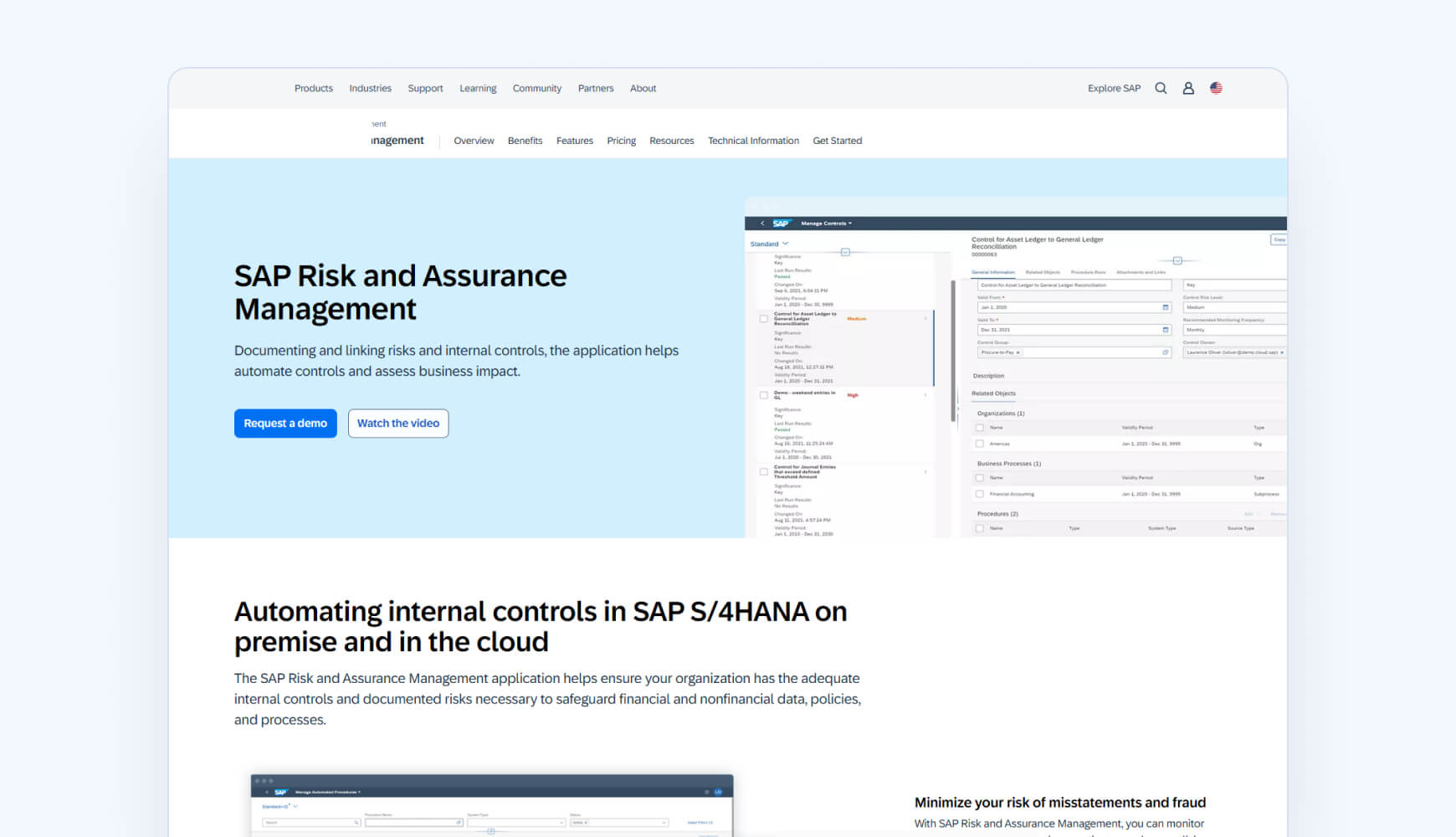
SAP Tax Compliance is built for multinational corporations already on SAP ERP. It centralizes compliance checks, reporting, and documentation to reduce risk across complex operations. For enterprises, its integration and scale are a natural fit. For SMBs, the cost, complexity, and implementation timelines make it impractical.
Key features
- Centralized compliance and reporting
- Automated screening of transactions for non-compliance
- Document management and audit trail support
- Real-time anomaly detection
- Native integration with SAP systems and selected third-party tools
Drawbacks
- Pricing is opaque and enterprise-only
- Complex migration and long implementations
- Too heavy for SMBs outside the SAP ecosystem
Pricing
- Not publicly published; available only via enterprise contracts.
Audit support
SAP Tax Compliance does not offer hands-on audit support. It focuses on prevention through transaction screening, audit trails, and compliance alerts, but does not provide audit defense or representation.
11. SOVOS Taxify

Best For
Small to mid-sized businesses that want automation but still need access to tax experts for added confidence and support.
Why choose it
Unlike most tools on this list, Sovos Taxify pairs Sovos software with access to a managed services team. That hybrid model appeals to businesses that want automation but also need guidance from tax professionals. It’s a useful middle ground between outsourcing everything and going fully DIY. The tradeoff is cost and complexity: Taxify makes sense if you want handholding, but it’s unnecessarily heavy if you just need straightforward sales tax software.
Key features
- Combines sales tax software with managed services support
- Automated tax return preparation and filing across multiple states
- Real-time sales tax calculation for complex transactions
- Exemption and resale certificate storage and management
- Enterprise-grade compliance tools also available under Sovos umbrella
Drawbacks
- Pricing not published and often considered high for SMBs
- Some reports of technical glitches (address validation, checkout timing)
- Multiple systems for certificates and returns can feel disjointed
Pricing
- Not listed publicly (custom quotes required)
Audit support
Sovos does not provide dedicated, hands-on audit support. Instead, the company positions its software as audit-risk reduction, highlighting automated exemption certificate management, vendor tax validation, and accurate multi-jurisdiction filing. Their focus is on minimizing the likelihood and cost of audits, but they do not advertise audit defense or representation if one occurs.
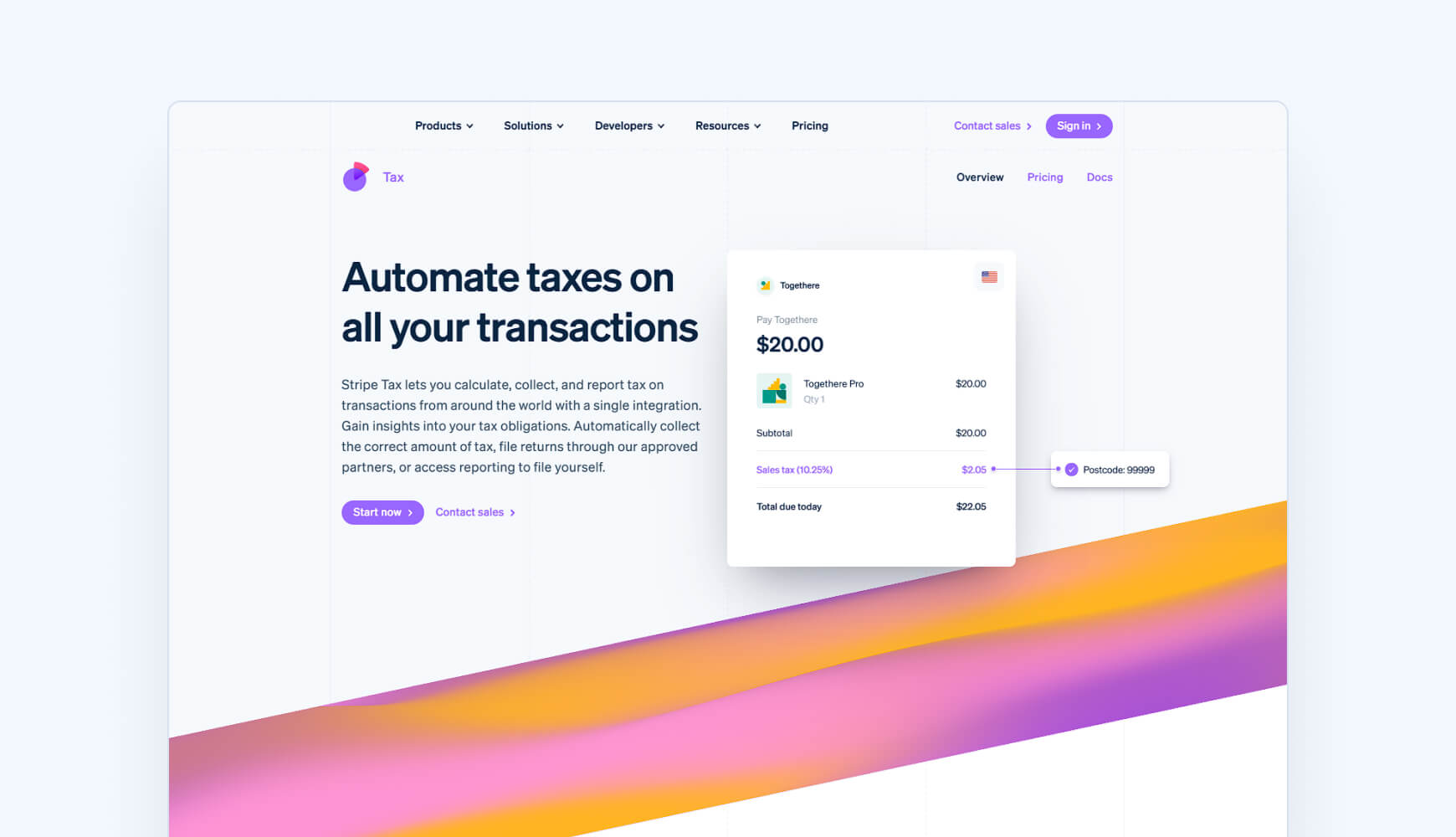
12. Stripe Tax
Best for
Businesses already on Stripe that want built-in tax calculation and optional filing via partners. Not suited for companies needing direct audit support or broader platform flexibility.
Why choose it
Stripe Tax is built for businesses already processing payments through Stripe. It automates U.S. sales tax, VAT, and GST calculations in 100+ countries and integrates directly into checkout. The appeal is convenience — no extra integrations if you’re already on Stripe. But it’s not a full-service platform: filings, registrations, and audit defense still fall on the business unless you use Stripe’s filing partners.
Key features
- Built into Stripe payments, checkout, and billing
- Real-time sales tax, VAT, and GST calculations in 100+ countries
- Threshold and nexus monitoring alerts
- Supports 600+ product tax categories
- Integrates with filing partners like Taxually for global returns
Drawbacks
- Filing and audit support only via third-party partners
- Limited to businesses running payments on Stripe
- Less robust reporting compared to dedicated tax tools
Pricing
- Tax Basic: Pay-as-you-go (0.5% per transaction for no-code, $0.50/transaction via API)
- Tax Complete: Monthly subscription starting at $90/month, scaling by transactions, registrations, and filings
- Additional fees for filings/registrations outside the U.S.
Audit support
Stripe Tax does not provide hands-on audit defense. Risk prevention comes through calculations, nexus monitoring, and partner-enabled filings. Filing support is outsourced via partners like Taxually, not Stripe itself.
13. TaxValet

Best for
SMBs with multi-state exposure that want to fully outsource sales tax compliance to a team of experts rather than manage filings and notices internally.
Why choose it
TaxValet takes a service-first approach: instead of just selling software, it acts as a managed compliance partner. A dedicated team handles registrations, filings, and remittances for you, backed by their proprietary software. This “fractional sales tax department” model appeals to SMBs that don’t want to manage compliance in-house. The tradeoff is cost — TaxValet is more expensive than DIY software and best suited for companies that value outsourcing over building internal tax capacity. A similar solution to TaxValet is Zamp, which positions itself as a managed sales tax service.
Key features
- Managed service + software model
- Handles state registrations, filings, and remittances directly
- U.S.-only coverage
- Dedicated account management and unlimited support
- Exus reviews, ongoing monitoring, and VDA help if needed
- Compliance dashboards for visibility
Drawbacks
- More expensive than software-only options
- Less flexible for businesses that want in-house control
- No VAT/GST or global compliance features
Pricing
- Onboarding: $3,500 one-time “AuditReady Action Plan” setup fee
- Ongoing: $500–$1,000/month base + $60/state/month (depending on revenue size: $1M–$50M ARR)
- Typical range: $1,000–$3,000/month, depending on states supported
- Includes unlimited transactions (no volume surcharges)
Audit support
TaxValet offers one of the strongest guarantees in the market. Its 360° Audit Protection promise covers penalties, interest, and tax due if an audit issue arises from their work. They also manage audits on your behalf. This is hands-on defense — unlike software vendors that only position audit readiness.
14. Vertex

Best for
Large enterprises operating across multiple countries or with complex tax footprints. Smaller sellers will find it unnecessarily complex and cost-prohibitive compared to SMB-focused platforms.
Why choose it
Vertex is one of the longest-standing players in tax automation, built for enterprises managing huge transaction volumes across thousands of jurisdictions. Its strength is scale: integrations with ERP systems like SAP and Oracle, deep customization, and support for sales tax, VAT, GST, and payroll tax worldwide. For large companies, it’s powerful. For small and mid-sized businesses, it’s usually overkill — expensive to license, complex to implement, and far more than most sellers need.
Key features
- Real-time sales and use tax calculations across 300+ million rates worldwide
- Integrations with major ERP systems (SAP, Oracle, NetSuite) and ecommerce platforms
- Automated filing, e-filing, and remittance
- Exemption certificate management
- Support for VAT, GST, and payroll tax compliance
- AI-enabled compliance tools and customizable jurisdictional settings
Drawbacks
- Custom, opaque pricing — often expensive for both: SMB and mid-market brands
- Steeper learning curve and technical setup requirements
- Multiple products within the Vertex platform handle different parts of sales tax compliance, which makes it harder to navigate
Pricing
- Custom, volume-based pricing (no public tiers)
Audit support
Vertex does not offer hands-on audit support. Instead, they position their tools as audit-risk reduction through accurate tax determination, exemption certificate management (Vertex Certificate Center), and automated returns (Vertex Indirect Tax Returns). Managed services and consulting can streamline filings and compliance, but they are not the same as audit defense or representation.
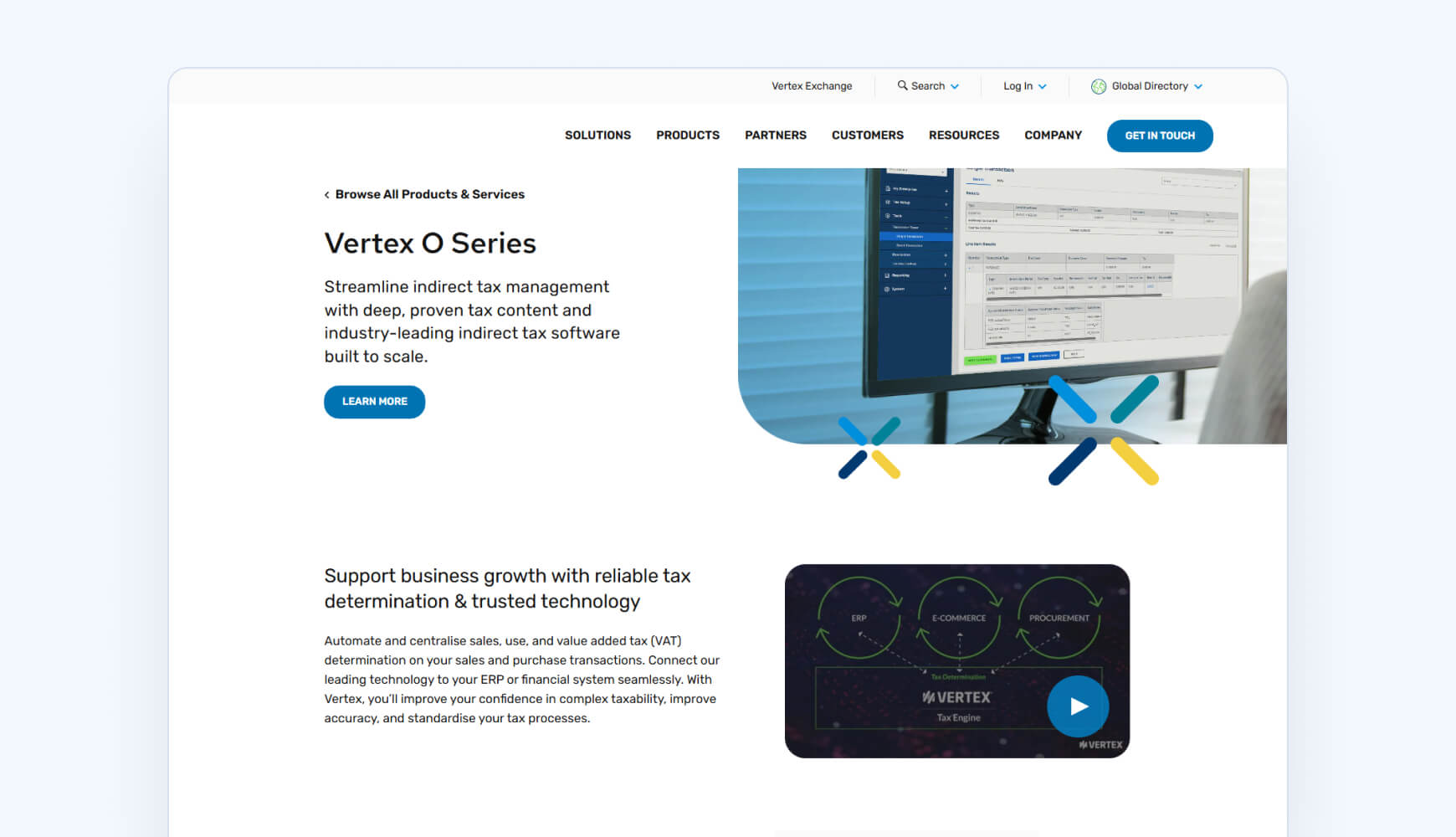
15. Vertex O Series
Best for
Enterprises or mid-market companies that want the latest version of Vertex’s indirect tax software in a cloud environment. Small sellers will likely find it too complex and costly compared to simpler tools.
Why choose it
Vertex O Series is the cloud-based version of Vertex’s long-running tax engine. It supports compliance in over 19,000 jurisdictions and is designed to automate filing, calculations, and reporting at scale. While positioned as the company’s “latest and easiest” iteration, it still carries the DNA of an enterprise product. That makes it powerful but sometimes unwieldy for small businesses that only need straightforward sales tax filing.
Key features
- Real-time sales and use tax calculation across 19,000+ jurisdictions
- Automated tax filing and remittance
- Cloud-hosted platform with updated O Series engine
- Seamless ERP integrations with systems like SAP and Oracle
- Reporting and audit-ready transaction logs
Drawbacks
- Pricing only available on request
- Reports of reliability issues, including single point of failure concerns
- Limited browser compatibility (Firefox issues noted by users)
Pricing
- Custom pricing available on request
Audit support
Vertex O Series does not offer hands-on audit support. The platform focuses on reducing audit risk through updated content for 19,000+ jurisdictions, automated filings (via add-ons like Vertex Indirect Tax Returns), and exemption certificate management. Managed services and consulting can handle filings or system optimization, but this is not audit defense or representation.
Sales tax software pricing comparison
Pricing is the biggest differentiator between sales tax software providers. The comparison below summarizes subscription pricing, filing costs, and additional fees so you can evaluate the total cost before choosing a solution.
| Tool | Pricing tiers | Filing cost | Source / notes |
|---|---|---|---|
| TaxCloud |
Starter: $19/mo (100 orders) Premium: $79/mo (200 orders) 30-day free trial 16% off if paying for the whole year |
$39/filing (drops to $20 with volume) Filing tiers |
Published pricing page |
| Avalara |
Sales tax registration: $349 per location Business licenses: $99 per location Late payment fee: 1.5% per month Reactivation fee: 50% of activation fee or $250 minimum |
$42–$54/return Activation fee |
Not on pricing page |
| TaxJar |
Starter: $39/mo Professional: $99/mo |
AutoFile for Starter: $50/mo AutoFile for Professional: $55/mo |
Published pricing page. Updated March 2026 |
| Anrok |
Anrok for Startups: $399/mo Anrok Starter / Core / Growth: Custom pricing |
Additional cost (not published) | Filing costs sit on top of platform fee |
| DAVO by Avalara | $57.99/month per location |
First monthly filing is free Custom pricing |
Published pricing |
| Kintsugi |
Free plan Starter: $75 per registration Premium: custom pricing |
$75/filing | Published pricing page |
| Lovat |
Free: Nexus Start-up: €27/month Standard: €50/month Premium: €344/month €150/hour for consultation |
€23 per extra filing (add-on) | Published pricing page |
| Numeral |
Monitoring: Free plan Standard: $150 per registration Pro: custom pricing |
$75/filing | Published pricing page |
| Quaderno |
Hobby: $29/mo Startup: $49/mo Business: $99/mo Growth: $149/mo Enterprise: Custom |
Custom pricing | Published pricing page |
| SAP Tax Compliance | Custom pricing | Custom pricing | Not publicly published |
| Sovos Taxify | Custom pricing | Custom pricing | Not publicly published |
| Stripe Tax |
Tax Basic: 0.5% per transaction or $0.50/transaction Tax Complete: $90/mo |
Extra fees for filings Via TaxJar (filing partner) |
Publicly available |
| TaxValet |
Onboarding: $3,500 setup fee Ongoing: $500–$1,000/mo base + $60/state/mo |
Filing fees included | Published pricing |
| Vertex | Custom pricing | Custom pricing | Not publicly published |
| Vertex O Series | Custom pricing | Custom pricing | Not publicly published |
Note: Pricing last verified: June 2026
Best sales tax software by business type
Different tools serve different markets. Here’s how the options stack up — and where most sellers will find the best balance.
Small businesses and startups
Many tools look affordable on the surface, but costs climb quickly as transactions add up. TaxCloud is designed for U.S. businesses that want automation without enterprise-level fees, and its SST program discounts in 24 states give it an edge competitors can’t match. Kintsugi and Numeral sales tax pitch simplicity, but their pricing models create surprises as you scale, and Numeral’s reported filing reliability issues are a concern for businesses with real compliance obligations.
Growing ecommerce brands
If you’re selling across Shopify, WooCommerce, or Amazon, you need multi-platform coverage. Enterprise tools like Avalara handle it but at enterprise prices. TaxCloud integrates with major ecommerce platforms and keeps pricing transparent as your order volume increases. For a deeper look, see our ecommerce sales tax guide.
Large enterprises
If you’re a multinational corporation with ERP systems, Avalara, Sovos, or Vertex cover global VAT/GST. For everyone else, they’re overbuilt and overpriced.
SaaS companies
Niche players like Anrok and Kintsugi focus on SaaS billing. Useful if you’re deep in Stripe or NetSuite, but for SaaS businesses selling in the U.S., TaxCloud covers compliance at a fraction of the cost.
Global Sellers
If you need to file VAT in 50+ countries, look at Quaderno, Lovat, or Avalara. But if your focus is the U.S. — where most compliance headaches and penalties actually happen — TaxCloud is the leaner, smarter choice.How to Assess Sales Tax Software: Seller Checklist
How to choose the best sales tax software: seller checklist
When comparing tools, keep these tradeoffs in mind:
- Comprehensive vs. Simple → More features often mean higher costs. Simpler tools can save money but may require manual work later.
- Single-Platform vs. Multi-Platform → Marketplace plug-ins work for one channel. If you sell across Shopify, Amazon, and WooCommerce, you’ll need multi-platform support.
- U.S.-Only vs. Global → Stick with U.S.-focused software if you don’t sell abroad. Global tools cover VAT/GST but usually come with higher fees.
- Specialized vs. Generalized → SaaS-specific tools solve subscription billing needs. General solutions cover more use cases.
- Real-Time API vs. Basic Integrations → APIs unlock instant address verification and rate updates. Basic integrations are cheaper but less flexible.
- Premium vs. Limited Support → Some tools offer little more than ticket systems. Others provide responsive U.S.-based support — critical when you’re under audit pressure.
Making the smart choice for sales tax compliance
Sales tax software isn’t optional in 2026 — it’s the backbone of staying compliant in a landscape with more than 13,000 U.S. jurisdictions, stricter enforcement, and evolving marketplace laws. The tools in this guide cover every corner of the market: enterprise-grade systems like Avalara and Vertex, global VAT solutions like Quaderno and Lovat, SaaS-specific players like Anrok, and lightweight options like Kintsugi and Numeral.
But for most U.S. ecommerce and SaaS sellers, the sweet spot is transparent pricing, simple setup, and reliable support — without enterprise bloat. That’s exactly where TaxCloud stands out. As a Certified Service Provider for the Streamlined Sales Tax (SST) program, it also delivers state-funded discounts in 24 states, a benefit most competitors can’t match.
Get started with TaxCloud today
If you’re ready to take the guesswork out of compliance, start with a free 30-day trial of TaxCloud and see how much simpler sales tax management can be.
Best sales tax software platforms — FAQs
In the U.S., the 2018 South Dakota v. Wayfair [2] decision removed the “physical presence” rule. Now states can require out-of-state sellers to collect and remit sales tax if they cross economic nexus thresholds in a state (usually based on revenue or transaction count).
Example: In Connecticut, nexus is triggered at $100,000 in sales and 200 transactions in a year. Once you hit a state’s threshold, you must register, collect, file, and remit sales tax there.
Because every state sets its own rules and deadlines, sellers often rely on ecommerce sales tax software to automate calculation, filing, and compliance.
Once a company achieves sales tax nexus in a state, it must register for a sales tax license and begin collecting, filing, and remitting sales tax. Depending on the size of the company, they could be required to remit sales taxes in a handful of states, or all of them. That’s where ecommerce sales tax software comes in handy.
Sales tax software automates compliance tasks like:
- Tracking where you have nexus
- Calculating the correct rate at checkout
- Filing and remitting returns to states
- Storing exemption certificates and audit data
Some tools only handle calculations. Others cover the full workflow, including multi-state filing and audit support. Most integrate directly with platforms like Shopify, WooCommerce, QuickBooks Online, or ERPs, so compliance runs in the background while you sell.
Sources:
- 1.
- 2.